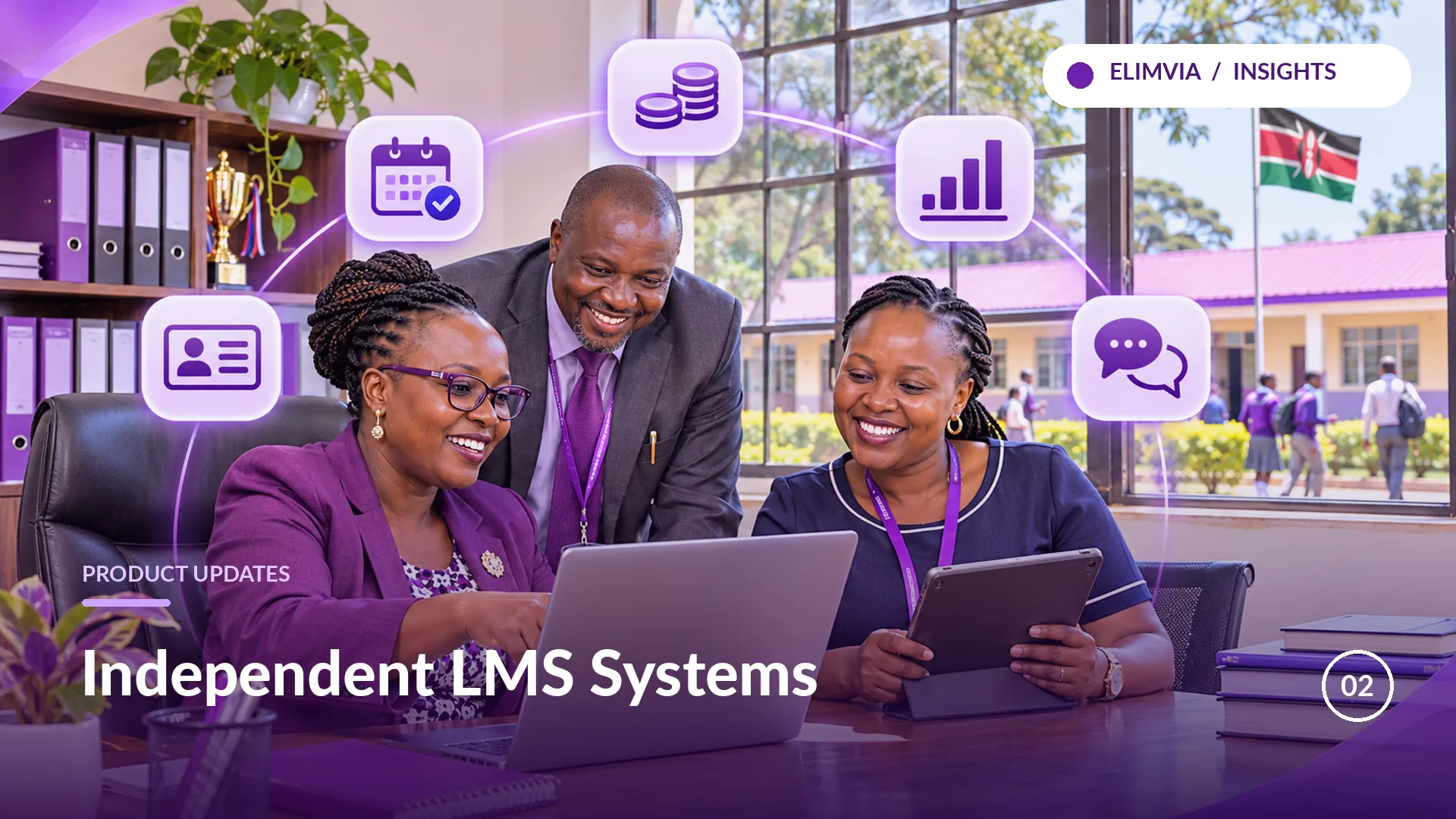
A system built for a driving school cannot simply assume that its schedules and assessments are the same as those of a primary school. Elimvia LMS therefore has seven independently configured education-level backends, with a common public website to help people find the correct one.
What independent environments mean
Elimvia's Pre-Primary, Primary, Junior, Senior, Driving, College and Vocational LMS environments are distinct installations. Their authentication, settings and institutional records should remain within their own system rather than sharing one login session or database across levels.
For a school administrator, the practical benefit is clear identification of the correct environment when setting up or signing in. For technical teams, it establishes boundaries around tokens, school codes, caches and session state.
One public website, appropriate entry points
The main Elimvia website introduces all seven levels. From the LMS dropdown, a visitor can read the relevant level page, see the intended workflows and make an informed enquiry. The marketing page is not the operational management application.
The separate Portal, Staff and Student interfaces can offer level selection on their sign-in forms while maintaining independent backend connections. A selected level should determine the destination for authentication and the scope of records that become accessible.
What a school should confirm before onboarding
Additional level-specific academic customisations are being developed in stages. This article describes the platform architecture and intended responsibilities; it should not be read as a release announcement for every planned feature.
- Which education level and independent environment apply to the institution.
- Who will administer the institution and approve staff access.
- Which academic modules and reports are currently available in the selected release.
- How historical records, account setup and training will be handled.
- Which support channel will be used for implementation questions.