Elimvia LMS / Pre-Primary
Pre-primary education is centred on exploration, relationships, communication and early development. Schools need dependable child and guardian records, consistent daily routines and ways to describe progress through observation rather than relying on exam scores. Explore the planning needs of PP1 and PP2 institutions.
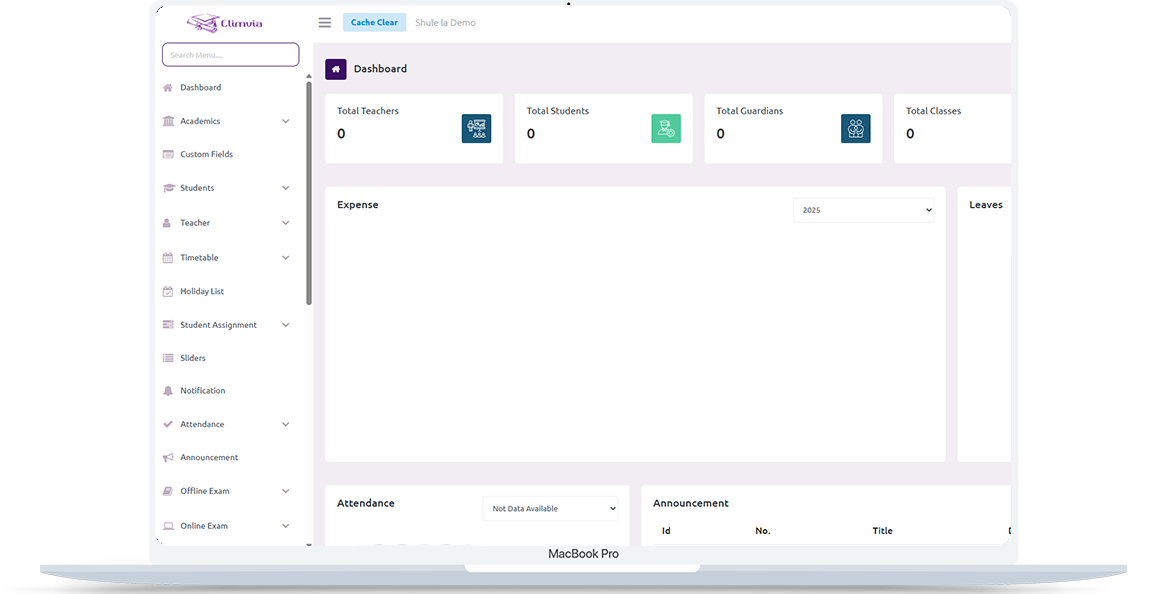
Make it easier to organise admission details, groups, daily participation and age-appropriate development records while keeping parents informed. This is an information page about the intended level-specific workflows; module availability depends on the active Elimvia release and school setup.
Pre-primary centres, ECDE institutions and schools offering PP1 and PP2
Pre-Primary (PP1 and PP2)
Make it easier to organise admission details, groups, daily participation and age-appropriate development records while keeping parents informed.
The following areas explain the administrative and academic needs this LMS level is designed to support. Features being customised are not represented as already deployed.
Capture guardian contacts, learner profiles, enrolment dates, classroom placement and relevant administrative records.
Organise PP1 and PP2 groups, activities, teacher allocation and learning areas in a structure appropriate for early childhood.
Maintain meaningful observations of participation, social development and learning milestones; avoid treating every milestone as a traditional exam.
Record attendance and support school follow-up when a learner is absent or needs attention.
Share announcements and updates so families understand routines, progress and upcoming school events.
Keep fee records, receipts, staff assignments and school calendars organised in the institution’s administrative workflow.
A practical view of how an institution might organise operations from initial setup to regular reporting. Exact steps and menus vary by the modules enabled.
Set up the school, staff access and PP1/PP2 groups; record learner and guardian information.
Organise learning areas, classroom activities and the timetable or daily routine.
Capture participation and meaningful observations at appropriate intervals.
Prepare summaries, discuss learner progress and communicate with guardians.
Different user roles have different responsibilities and should only access information permitted by their institution.
Oversee enrollment, classrooms, staff, term setup and administrative records.
Follow classroom activities, attendance and developmental progress.
Receive relevant updates and view records made available by their institution.
A realistic example of the decisions an institution needs to make. This describes a recommended workflow, not a claim that every module is currently released.
At the start of the week, a teacher reviews the class register, learning activities and the support needs identified for individual children. Attendance and handover notes help the school follow up appropriately with families.
As activities take place, the teacher records short observations about participation, language, movement and social interaction. School leadership later reviews patterns and prepares a useful, age-appropriate update for guardians rather than a ranking of children.
Useful early-learning records should be simple enough for educators to maintain and respectful of young children and their families. These are planning priorities; confirm which reports and record types your deployed LMS modules support.
Register the people and relationships the school depends on.
Preserve the context of what a child did and how they participated.
Prepare clear, meaningful updates without unnecessary comparisons.

Start by defining PP1 and PP2 groups, class staff, guardian access rules and the information genuinely needed at admission. Agree on simple observation language before importing learner records.
Confirm that the deployed release supports the exact assessment, attendance, messaging and reporting workflows your school expects. Keep children’s sensitive records available only to appropriately authorised users.
Pre-Primary runs as its own Elimvia LMS environment. Other education levels use separate application configurations and sign-in contexts.
Visit Elimvia LMSAnswers about the Pre-Primary education level, institution onboarding and functionality.
No. It focuses on PP1 and PP2, with age-appropriate administration and developmental reporting rather than a Grade 1–6 academic structure.
The intended Pre-Primary structure covers both levels. Confirm the available classroom configuration in your institution’s deployment.
No. The recommended approach is to support observational and competency-oriented records appropriate to early learning.
Portal access depends on your institution’s enabled roles and modules. Request a demonstration of the current parent-facing workflow.
Short observations should describe demonstrated skills, participation and areas for support in context. They need not be reduced to test rankings or percentage scores.
Agree on essential child and guardian identifiers, contact channels, authorised contacts and the school’s privacy requirements. Avoid collecting unnecessary sensitive details.
Begin with a verified class register and guardian contacts, identify duplicate records, choose an observation format, and agree on who can correct or approve migrated information.
Choose the education environment that matches your institution. Each level has its own academic focus.
Prepare PP1 and PP2 child profiles, developmental observations, daily attendance and guardian communication.
Guidance only; confirm available LMS features before deployment.
Tell us about your institution, the courses or grades you manage and the academic and administrative workflows you need. We can explain the available release and onboarding options.
Contact Elimvia